For programme and film makers
Create subtitles from speech, translate the text and export a subtitle file. Review wording and timing before publishing.
 kaader
Turn audio and video files or media links into editable, structured text. Work with the text yourself or with AI: subtitles, translations, memos.
Currently invite-only.
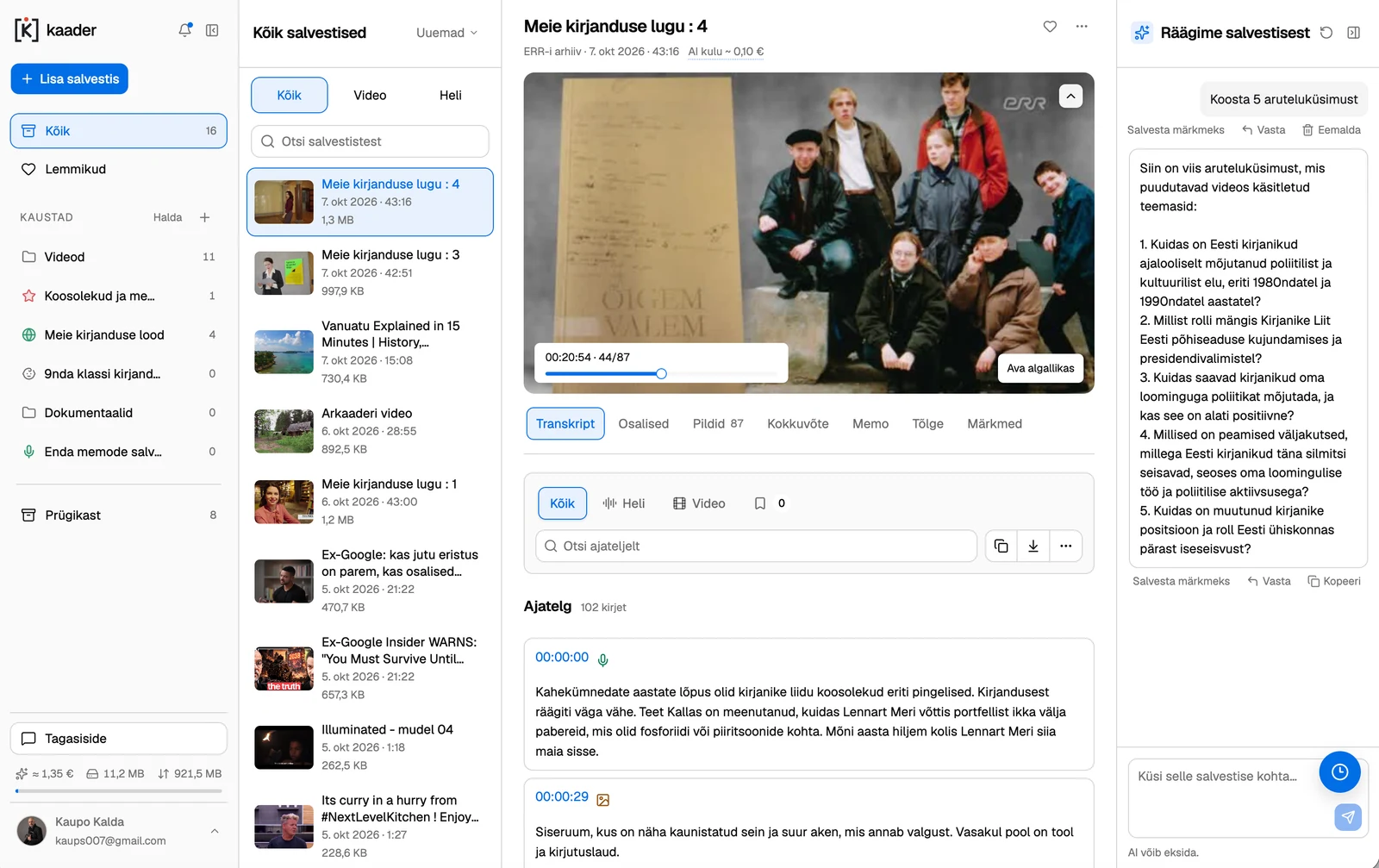
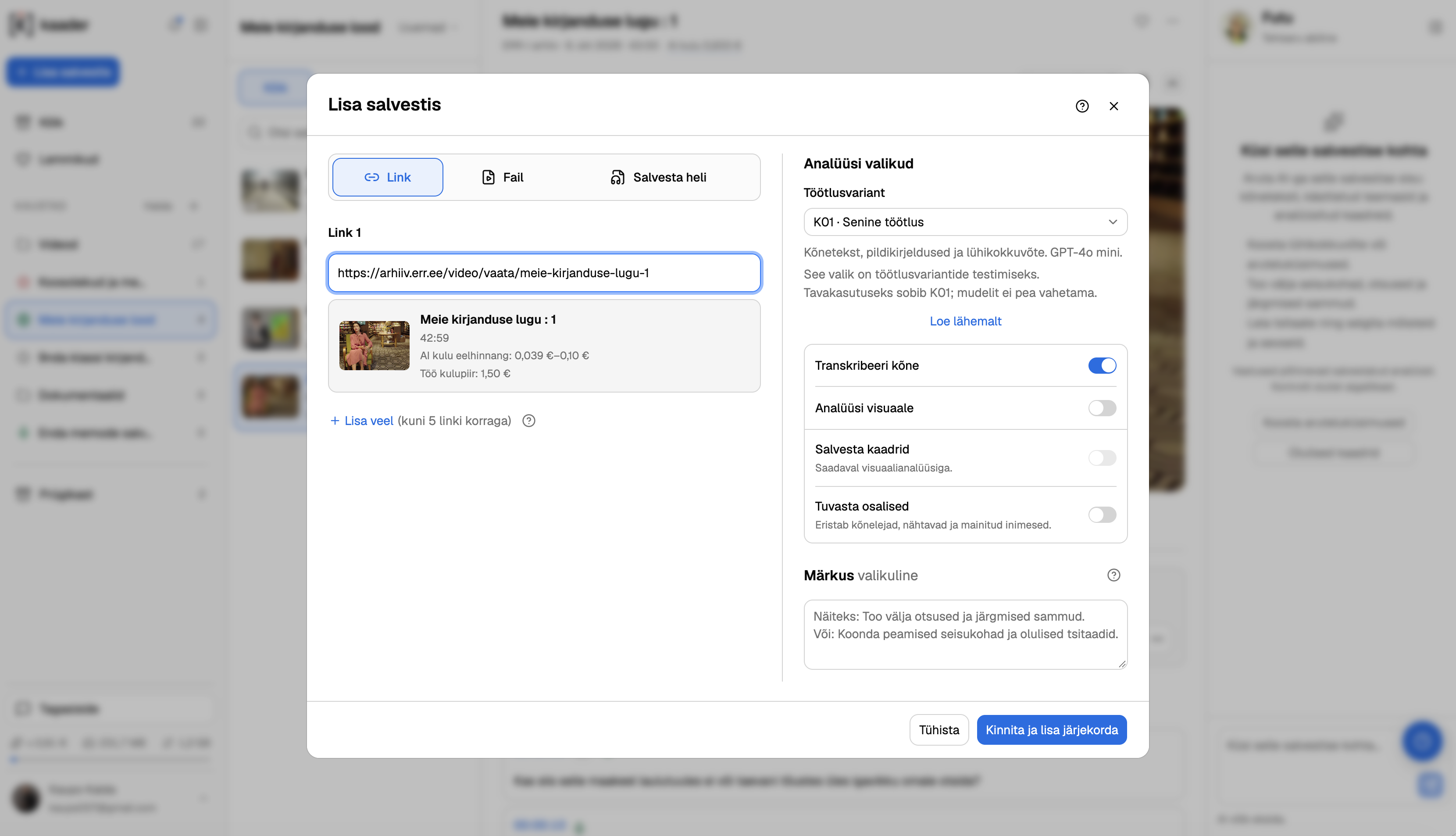
Paste a link, upload a file or record audio in your browser. Choose the analysis you need.
A video link, an audio file or a video file. It all starts with a source.
Transcribe speech and optionally analyse the visuals. Check the cost estimate first.
Find the right moment, create a memo or export the text you need.

Keep the transcript, timestamps and your notes with the recording.
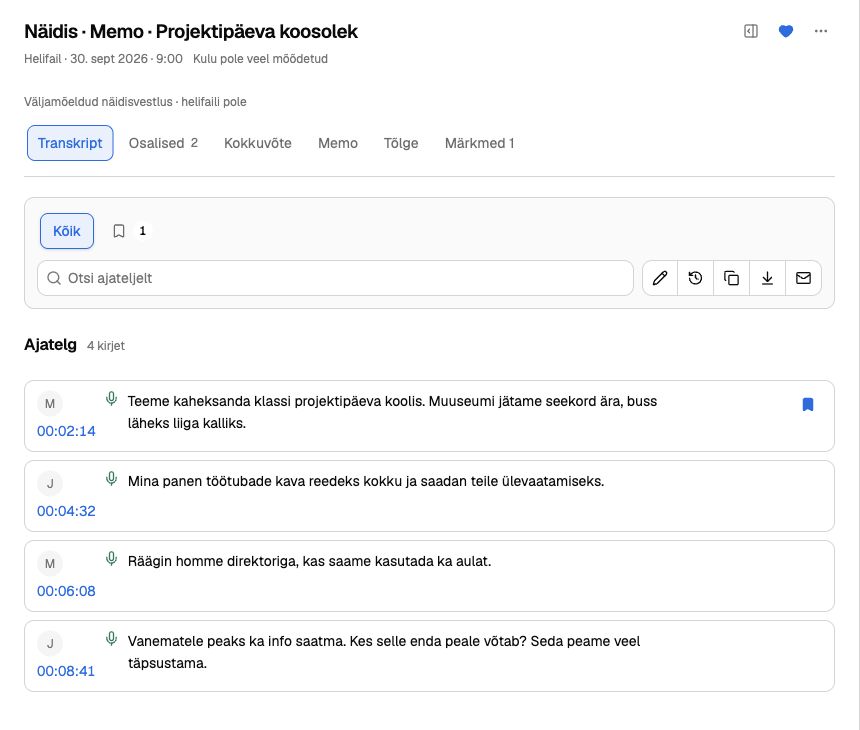
Find what was said in the text and jump to the right moment with one click.
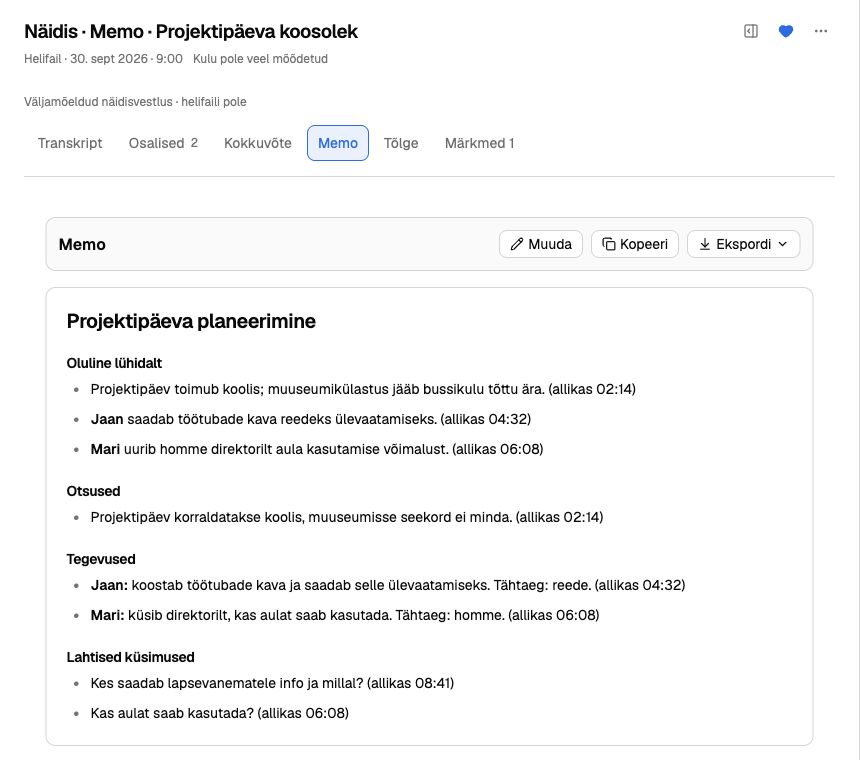
Bring together the key points and edit them into a useful document.
Translate the transcript or download it as a subtitle file.
Mark an important moment and add your thoughts to the recording.
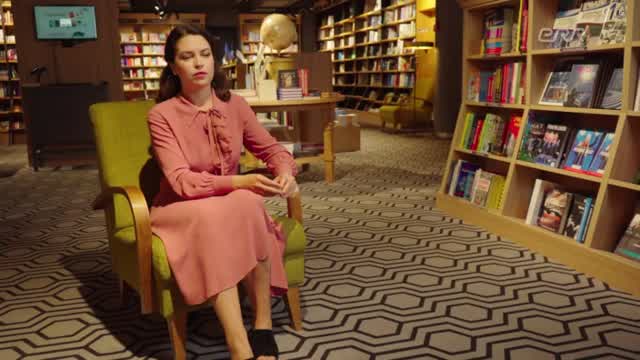 00:00
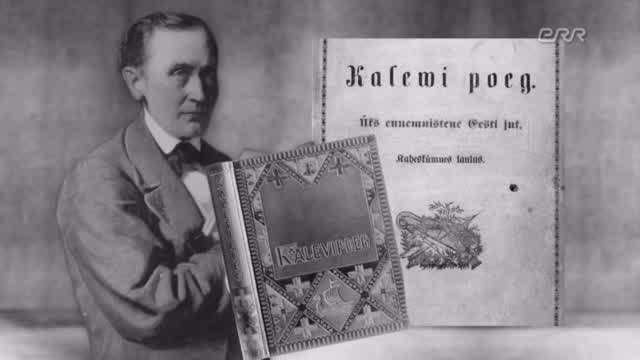 01:30
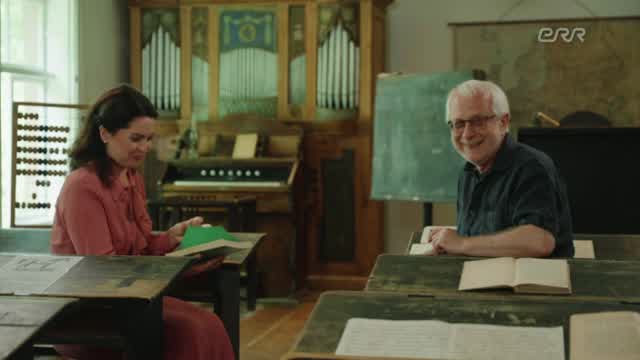 05:30
Save selected frames and review important moments yourself.
Ask AI a question and check the answer against the cited source.
More accessible content. Transcripts and subtitles support people with hearing difficulties. AI descriptions of video scenes may help people with low vision, but these descriptions can contain errors.
Create subtitles from speech, translate the text and export a subtitle file. Review wording and timing before publishing.
Create questions and exercises from a recording. Time references help learners return to the right passage.
Turn a recording into a memo and find decisions and tasks without listening to the whole meeting again.
Find the thought you need in a long interview and use its timestamp to go straight to the source.
Turn an audio file exported from voicemail into text, making messages easier to review and pass on.
Summarise a webinar, pick out the main ideas and use the text as the starting point for your next story or post.

Futu is your round-the-clock AI assistant. Ask questions about your recording, create a summary or identify decisions and action points.
Timestamps in the answers take you back to the recording so you can check what was said.
Recordings come from one system. Transcripts and summaries are needed in another.
We are open to building new integrations and custom solutions. If you manage your company’s IT, let’s discuss your systems, data flow and the result you need.
Discuss an integrationKaader is currently invite-only. Tell us how you would use it. We hope this is a service you may genuinely need. There is no commitment, but we do ask for feedback. Testing is free.
Request access